

CrowdSec running, attack getting through: the bridge-container DNS that silently disabled the IPS
Published on July 22, 2026
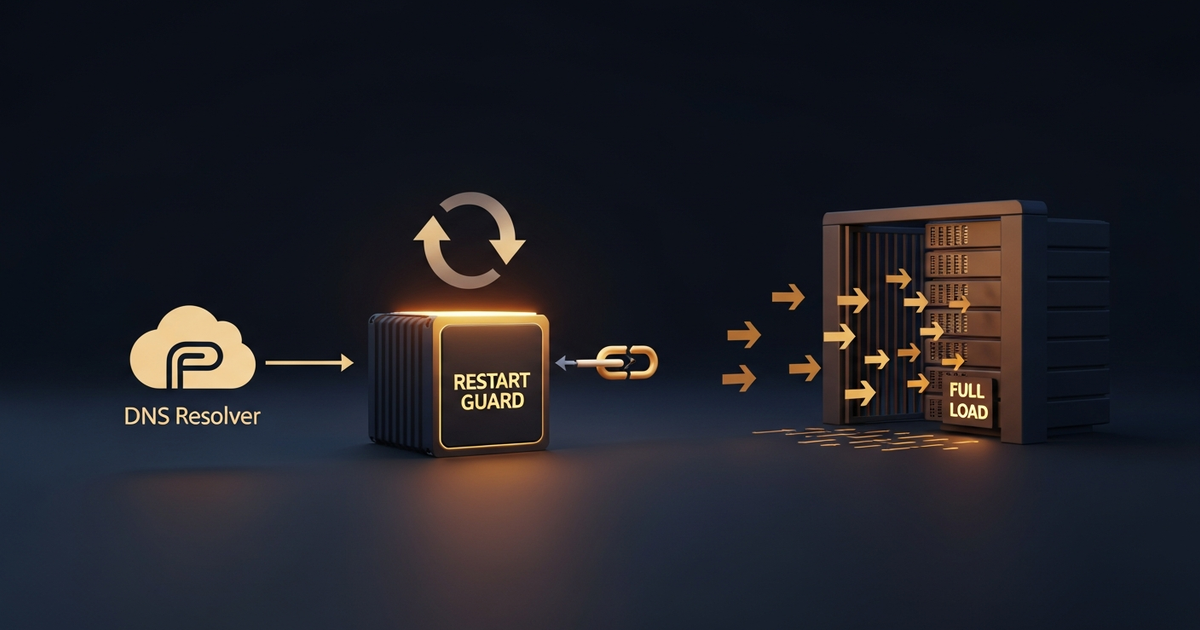
The symptom: protection on, but useless
A server under attack: ~20,000 req/h, 550× normal traffic, CPU at 100%. The strange part was that CrowdSec was installed and "running" — and no IP had been banned. An IPS that bans no one under attack isn't protecting; it's decoration.
The cause: broken DNS inside the bridge container
The CrowdSec container ran on a Docker bridge network with a static IP. In that setup, DNS resolution goes through Docker's internal resolver at 127.0.0.11 — which, there, returned SERVFAIL for external domains. The host resolved fine via VPC DNS; the container didn't. Without DNS, CrowdSec couldn't talk to the LAPI and crash-looped:
$ docker logs crowdsec --tail 3
level=fatal msg="dial tcp: lookup version.crowdsec.net on 127.0.0.11:53: server misbehaving"
# restarts, fails, restarts...  (silent loop)
The problem's signature was in the uptime: the container was 20 seconds old, while its healthy neighbors were 5 months old. A crash-loop doesn't raise an alert on its own — it only shows up if you look at uptime or logs.
A security service in a crash-loop is worse than absent: the dashboard says "running", the alert never fires, and you only find out once the attack is already inside.
The fix: network_mode host
The fix was to take the container off the bridge and put it on the host network, where it inherits the machine's working DNS resolver:
services:
  crowdsec:
    image: crowdsecurity/crowdsec
    network_mode: "host"   # before: bridge with static IP → broken DNS at 127.0.0.11
    # ...
Within seconds of the restart on the host network, CrowdSec resolved the LAPI, downloaded the scenarios, and started banning the scanner's IPs. CPU dropped with it.
The fleet audit that followed
A problem like this is rarely isolated. Sweeping the servers, 10 of 16 had CrowdSec on bridge (vulnerable to the same silent crash-loop); 6 were already on host. Standardizing to host across the fleet closed the gap at once.
Lessons
1. A bridge container depends on the 127.0.0.11 resolver. If it fails, services that need DNS (like an IPS talking to the LAPI) crash-loop.
2. Crash-loops don't alert — monitor uptime. A 20-second-old container next to months-old neighbors is the signature. Alert on recurring low uptime.
3. "Installed" ≠ "protecting". Validate that the IPS actually bans under load; a periodic ban test beats a "running" status.
Conclusion
The worst security failure is the silent one: CrowdSec was there, the status said "running", and yet the attack got through because the container never managed to talk to the LAPI. network_mode: host fixed it in seconds — but the real lesson is to monitor uptime and test banning, because a dead IPS doesn't raise its hand.