

Media upload blocked with 403: the AWS WAF 8 KB limit nobody documents
Published on July 19, 2026
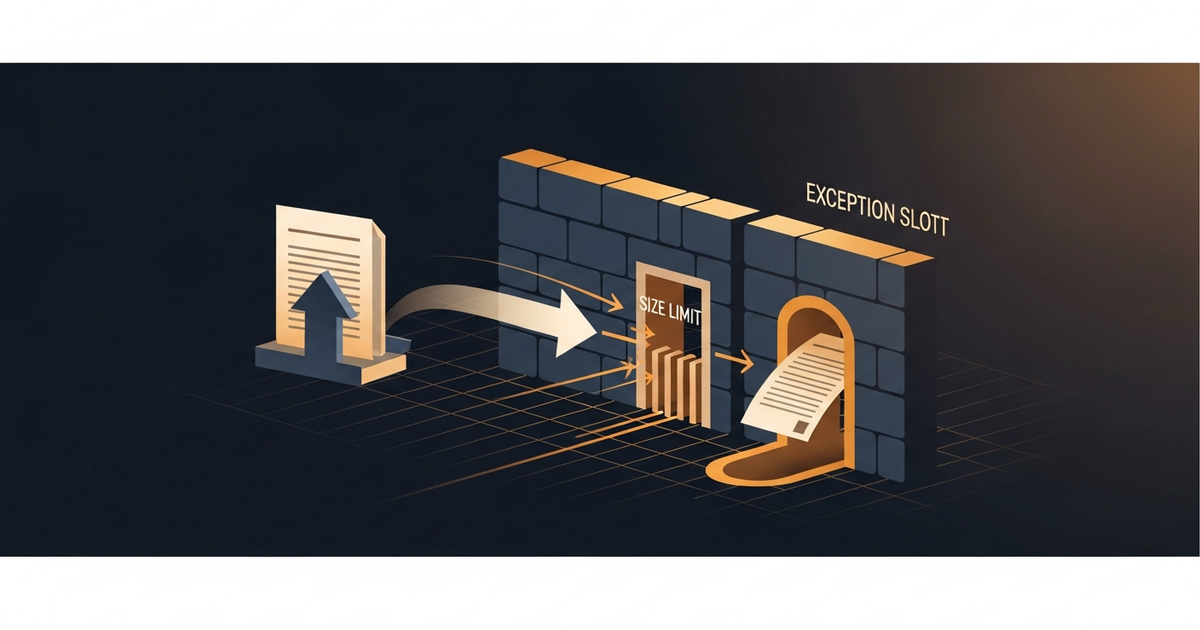
The symptom: 403 only on upload, and only above a size
Editors on a WordPress site reported errors uploading images — but only some. Small files went through; bigger ones got a 403. The public site was fine. Looking at the WAF log, the blocked request was clear:
action=BLOCK  uri=/wp-admin/async-upload.php  method=POST
terminatingRule=AWS-AWSManagedRulesCommonRuleSet  ruleId=SizeRestrictions_BODY
bodySize=85701
The cause: SizeRestrictions_BODY and the 8 KB inspection limit
The SizeRestrictions_BODY managed rule (from AWS's Common Rule Set) blocks large request bodies. But there's a subtlety: the WAF only inspects the first 8 KB of the body (16 KB on higher tiers). An 84 KB upload busts both the rule's limit and the inspection limit — and is blocked before reaching WordPress.
The Common Rule Set is great by default, until the size rule treats a legitimate image upload as an attack. Any app that takes uploads needs a conscious exception for its upload routes.
The fix needs a label-match — in the right order
The way out isn't disabling the rule (you lose protection). It's leaving it in COUNT mode to emit a label, then creating your own lower-priority rule that allows the request when the label is present AND the path is an upload. If the managed rule stays in BLOCK, it blocks BEFORE your rule runs — which is why COUNT is mandatory.
The CloudFront WAF trap: no RegexMatchStatement
To match the path /wp-admin/async-upload.php, the instinct is regex. But the WAF attached to a CloudFront distribution (CLOUDFRONT/global scope) does NOT support RegexMatchStatement. You must use ByteMatchStatement with ENDS_WITH/STARTS_WITH. And when sending via --cli-input-json, the SearchString goes in base64:
{
  "Name": "allow-wp-upload",
  "Priority": 0,
  "Action": { "Allow": {} },
  "Statement": {
    "ByteMatchStatement": {
      "SearchString": "L3dwLWFkbWluL2FzeW5jLXVwbG9hZC5waHA=",
      "FieldToMatch": { "UriPath": {} },
      "PositionalConstraint": "ENDS_WITH",
      "TextTransformations": [{ "Priority": 0, "Type": "NONE" }]
    }
  },
  "VisibilityConfig": { "SampledRequestsEnabled": true,
    "CloudWatchMetricsEnabled": true, "MetricName": "AllowWpUpload" }
}
Time-costing details: the Description field has a minimum length of 1 (an empty string fails validation), and labels only work if the managed rule that emits them is in COUNT, not BLOCK. Pro features (overrides, labels, SizeConstraint, ByteMatch on Cookies) don't exist on the Free plan.
Lessons
1. SizeRestrictions_BODY blocks large uploads by default. Every upload route needs an exception; the WAF inspects only the first 8 KB of the body.
2. The managed rule must go to COUNT for the label to work. In BLOCK, it ends evaluation before your allow rule.
3. CloudFront WAF has no RegexMatchStatement. Use ByteMatch (ENDS_WITH/STARTS_WITH); via CLI/JSON, the SearchString is base64.
Conclusion
The Common Rule Set protects well by default — and by default also treats your editor's image upload as a suspicious payload. The 403 was neither an attack nor a WordPress bug: it was the size rule doing its job without knowing the context. A label-match in the right order, with ByteMatch because CloudFront won't take regex, gives the upload back without lowering the guard.